 EN
EN

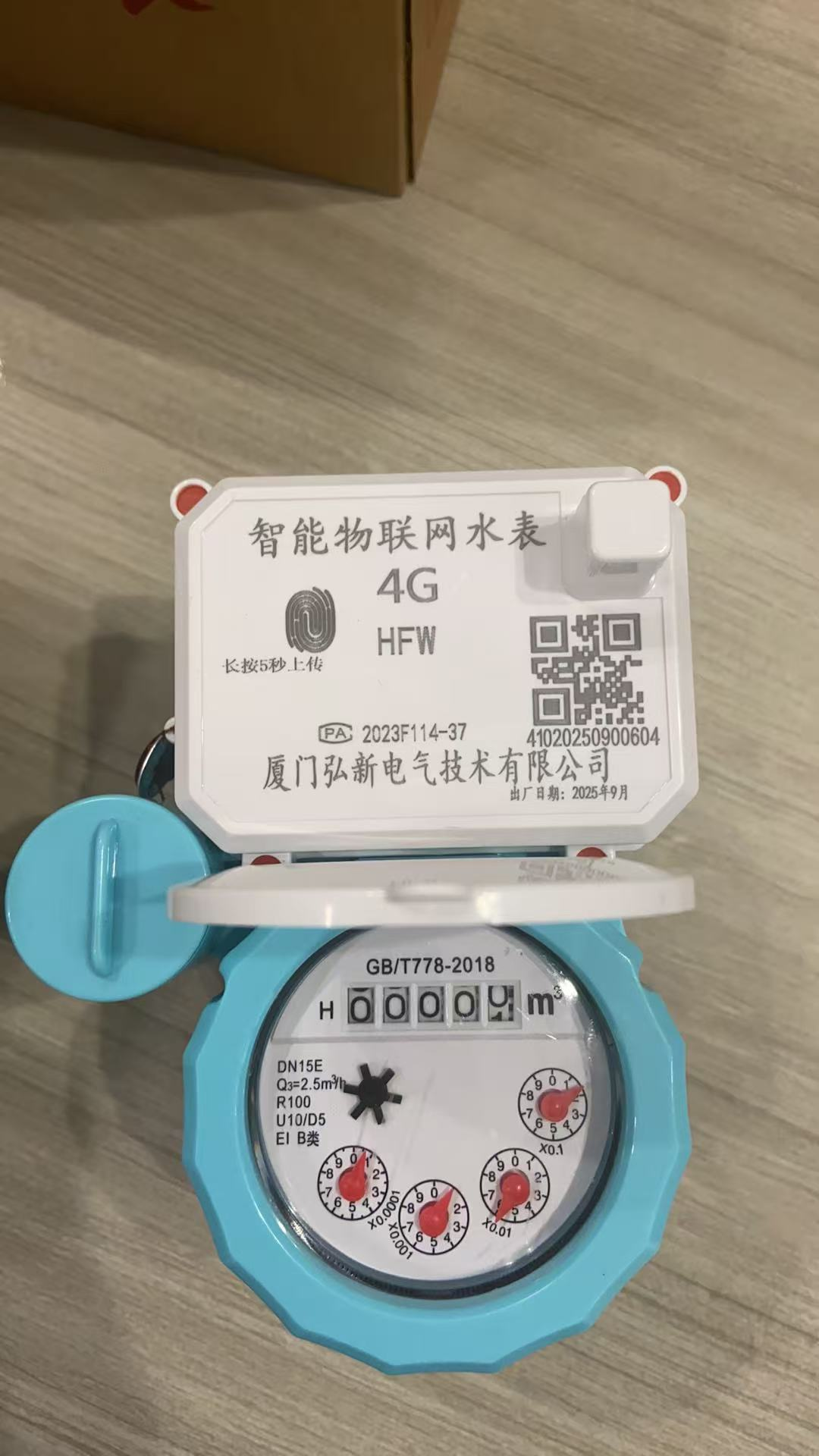
Diagnosing and Repairing Hardware Issues in Smart Water Meters
Identifying signs of physical damage: blank displays and unresponsive or erratically behaving buttons
Each second a water meter fails, water is lost. This water loss can be very expensive. Blank displays can be caused from a lack of power. In these cases, check that the battery is still above 3.6 V DC. Unresponsive buttons can be the result of moisture damage or can just be a blown circuit. Eratic behavior of a water meter can be shown through the display giving readings when water is flowing, and then stopping when water flow is not present. This can be due to contamination of the water metering sensor or a failure of the processor. Examine all seals and the container of the water meter for water. Even a tiny amount of water can dramatically shorten the service of the water meter.
Causes of contact failures due to corrosion: cleaning of card slots and flow sensors
73% of failures of contact are due to corrosion and debris. Always power down the meter before any maintenance is performed:
Use isopropyl and anti-static as a brush to clean out card slots and remove mineral deposits from flow sensors with a 10% citric acid solution for 5 minutes. After performing these, put a functional IC card in. Corruption of the card is determined from diagnostic mode and functions are retained for viability.
Magnetic fields can lead to false readings as well as the timing of electromagnetic fields exceeding the limits. These can cause shocks to initiate an inoperable state. These can be reset if the main control valve is opened and closed a few times to relieve the flow. Magnetic fields can lead to false readings as well as the timing of electromagnetic fields exceeding the limits.
Problems with smart water meter communication signal, gateway, and network failures
Inadequate signal transmission is a primary cause for communication failure for smart water meters. Most communication issues come during communication from the meter to the gateway, especially in basements or underground vaults where concrete, soil, and metal obstructions attenuate the RF/LoRaWAN signal by as much as 30 dB.
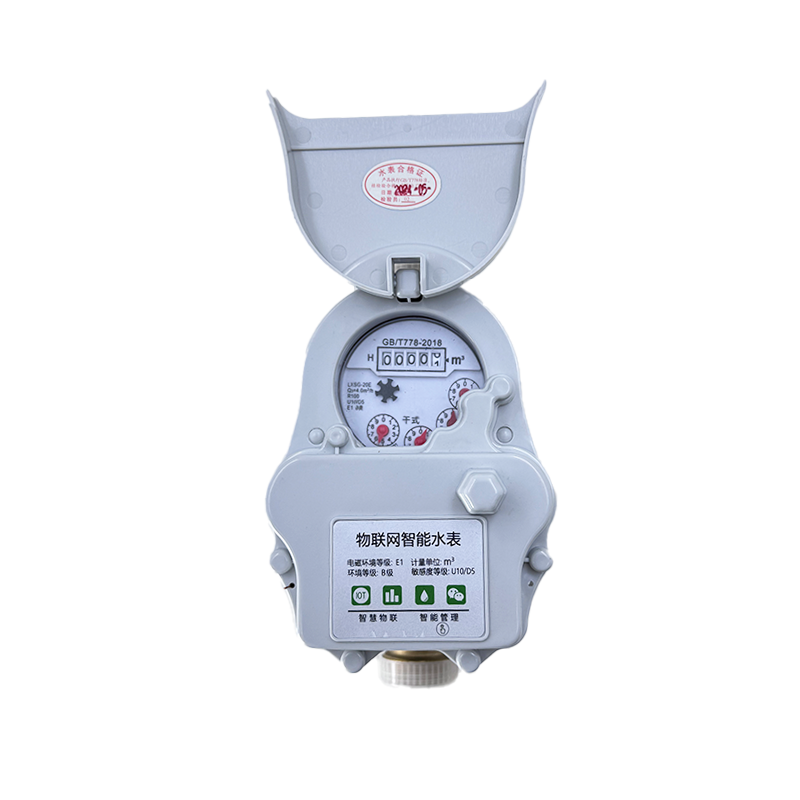
Improving RF/LoRaWAN signal transmission in basements and underground vaults
To achieve better signal transmission our engineers have developed the following solutions:
-Place low power repeaters within 100 meters of the endpoint meters to extend the communication path.
-Orient the antennas vertically to circumvent the horizontal concrete barriers to improve the RSSI by 15 to 25 dB.
-Use polycarbonate meter boxes instead of metal, as they don’t block 2.4 GHz signals.
-Implement mesh networking to allow data relaying to the gateway from the endpoint, circumventing the area where networking failure occurs.
These solutions decreased the packet loss on the LPWAN field tests from over 40% to below 5% for 12 of the municipal underground installations.
Resolving connectivity failures - gateway pairing, APN configuration, and SIM card checks
Three factors account for the most common connectivity issues that persist:
Gateway pairing issues: For successful pairing, reset both the meter and the gateway to within 10 meters of each other, and put both devices into discovery mode. Ensure that no Bluetooth or Wi-Fi devices are around during pairing.
APN configuration: Ensure that the cellular-enabled meter is equipped with the correct Access Point Name as specified by the carrier, as 68% of the 4G/5G connectivity issues stem from this.
SIM card failures: Check the SIM card for corrosion or other physical damage on a quarterly basis. SIM cards cannot be used if they dip below a 3V battery reading as this indicates a dead SIM.
Using these diagnostics during the maintenance operation will decrease the average connectivity downtime by 80%, enhancing data collection and leak detection in the process.
Power Management Issues for Smart Water Meters
There are three particular obstacles in terms of reliability for remote installations: confined spaces, off-grid, and underground. Underground areas, such as basements and vaults, negatively impact battery life. More frequent signals can cause the batteries to fail in 3-6 months. Remote areas are even worse. Since trenching is cost prohibitive, the only choice is to rely on a the battery supply and off-grid solar panels. Transmitting data more frequently to improve leak detection also increases the cost of the batteries by 30-50% because the system requires a larger battery for the frequent data transmissions. Ultimately, batteries are the single point of failure for the system, and when they are exhausted, continuous and active monitoring is halted, and subsequently, the detection of faults is delayed and the risk of non-revenue water increases.
Assessment of Calculation of Water Usage via Smart Water Meters
It can be caused by filter clogging, pressure changing, or drift of the sensor
Readings can show improper values due to physical and environmental reasons and not through electronic failings. Clogging of the inlet filter can cause the water to be reported inaccurately with a value that is 15-30% lower than the actual value, as stated in studies by ASME MFC-3M. During pressure fluctuations of ±20% the operational range of the valve, the readings can also become improper due to the calibration of most of the electronic and ultrasonic meters to work under controlled conditions. Drift of the sensor also causes the readings to show increasingly improper values. Testing performed by the agency showed that the accuracy failed to meet the ±2% threshold. In order to pinpoint issues of these failures, it is necessary to:
1. Inspect filter screens for a build up of minerals and silt on a quarterly basis
2. Install pressure to find variance patterns that correlate with reporting anomalies.
3. Cross validate readings on a yearly basis utilizing test equipment that is traceable (example: a master meter or a gravimetric calibrator.
Improper measurement can also be a cause of turbulence of the flow that is coming from elbows, ts, and pumps with in the pipe. This will require a straight-pipe installation (10D upstream, and 5D downstream as a rule of thumb).
Diagnosing water purchase transaction failures: IC card protocol incompatibility and EEPROM troubleshooting
There are various reasons that can lead to failures while making a payment. The error can be, “transaction error," on an IC card. When this happens, check the protocol. Utility-grade meters comply with standards of either ISO/IEC 14443 of Type A or Type B. However, there can be some changes in the handshake due to differences in firmware. In more than 70% of cases, the problem gets rectified with a firmware update. In cases where there are continuous failures, the EEPROM module, which holds transaction logs and credit balances, needs to be analyzed. The main reason for corruption is power surges when the EEPROM is being written to. The following methods help in such cases:
Security wipes of the EEPROM and factory reset commands to eliminate the corrupted memory sectors
Restoring the balance or credit based on the server timestamp, which is done by recalling the transaction logs
Replacing the EEPROM (only after confirming a physical fault such as a joint crack or trace burn)
Based on the utility maintenance reports of six AMI deployments, it is observed that the installation of transient voltage suppressors, along with the scheduling of semiannual memory diagnostic tests, helps in eliminating 92% of the transaction errors.
Frequently Asked Questions: Smart Water Meter Challenges
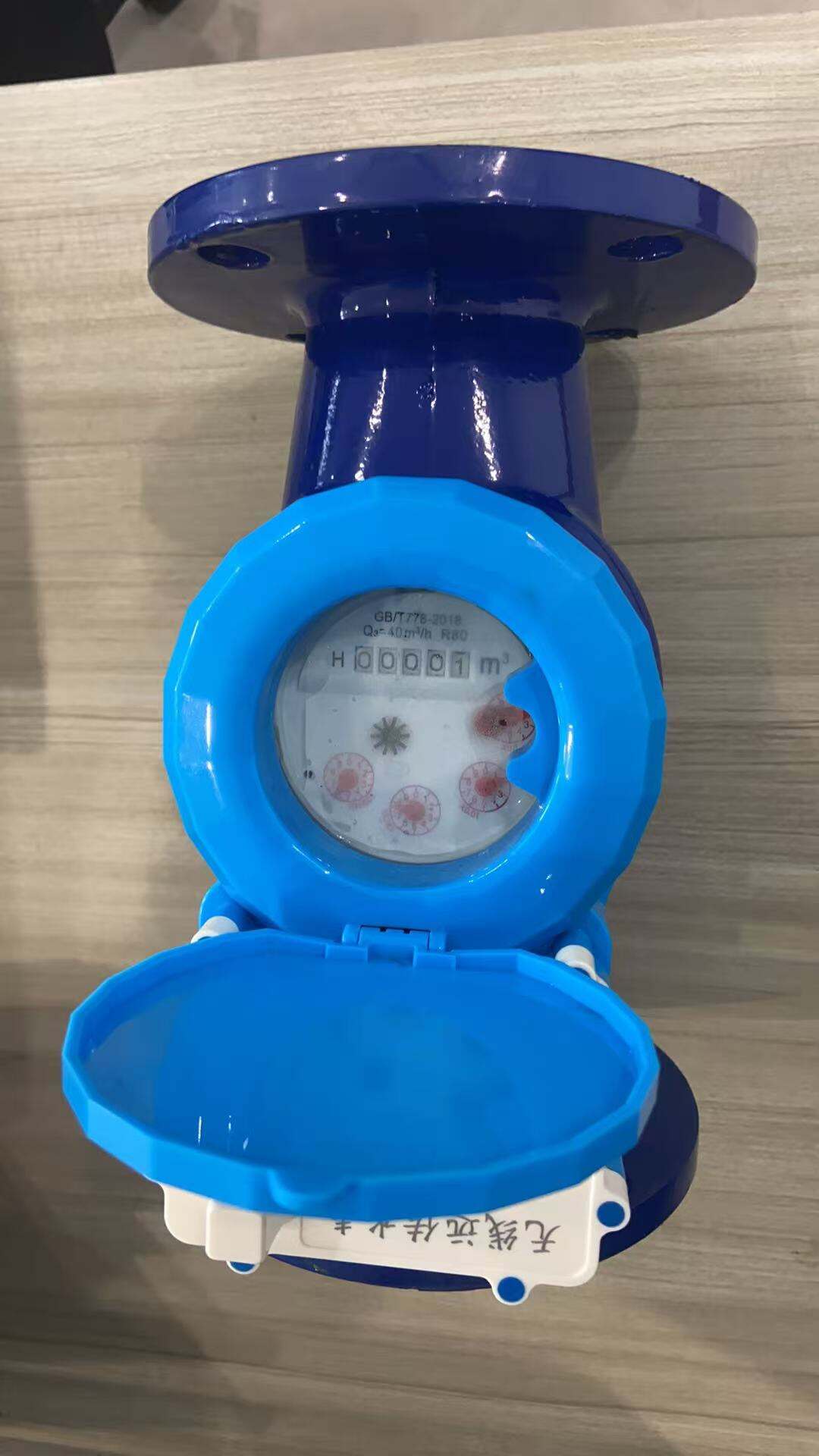
What are some reasons for a smart water meter having a blank display?
This can be due to several issues, with the most common being related to the power supply. Ensure the battery voltage is not less than 3.6V DC.
What reasons can make the controls on smart water meters inactive?
These mostly occur due to the degradation of the circuit, with moisture ingress affecting the internal components of the water meter.
What is the recommended method for cleaning of IC card slots?
The best method is to use isopropyl alcohol along with an anti-static brush.
How can I strengthen RF/LoRaWAN signals in basements?
For better signal penetration, you may use low-power RF/LoRaWAN signal - repeaters, change antenna locations, use polycarbonate enclosures, or make other signal strength changes.
What are some of the typical issues that cause connection problems of smart meters and their solutions?
Smart meter connection problems can be caused by the internal errors of the gateway, the Access Point Name (APN) Set bad, and wear on the SIM card.
What are some of the possible reasons for the error in the readings of the smart water meter?
Some of the possible causes of error in the readings of the smart water meter can be filter blockage, changes in water supply pressure, and error in the sensor calibration. Keeping up regular maintenance will alleviate this issue.
What are some of the reasons for errors of the IC card?
Some common reasons for error of the IC cards are mismatch of card errors and corruption of the card EEPROM. These issues are typically solvable by reprogramming the firmware and restoring those memory sectors.